
Typing Story Books for Kids
Type your way through an illustrated story. Every page you finish turns by itself, every chapter earns stars, and the last page earns a book badge and a printable certificate.
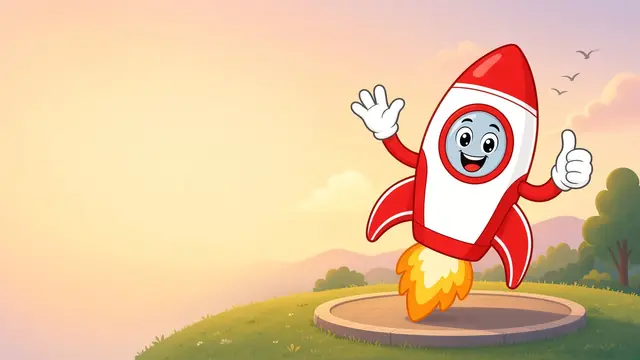 A TypeRockets typing storyRocky's First LaunchAges 6–7Rocky's First LaunchAges 6–7 · 5 chapters · Home-row friendly: short words, periods only
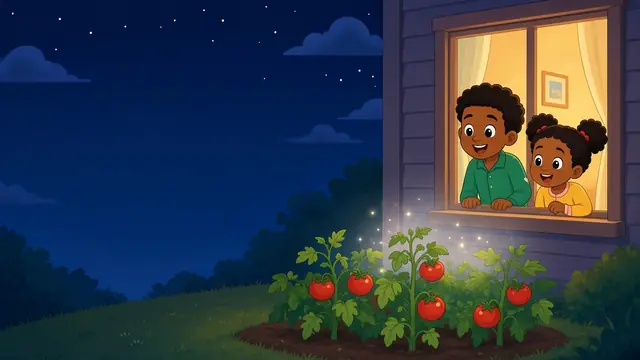 A TypeRockets typing storyThe Lost Moon PupAges 8–9The Lost Moon PupAges 8–9 · 5 chapters · Capitals, commas and question marks
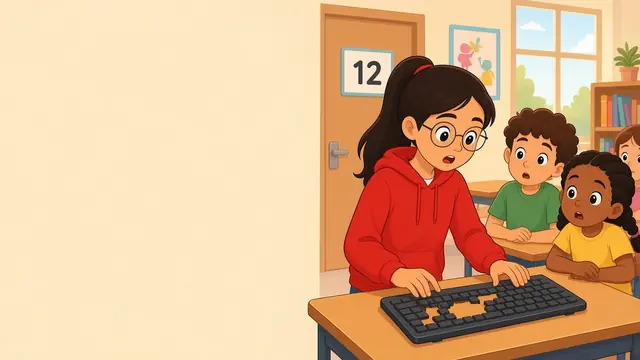 A TypeRockets typing storyMystery of the Missing KeysAges 10–11Mystery of the Missing KeysAges 10–11 · 5 chapters · Full punctuation, numbers and longer pages
Reading and typing, together
Story books are a fun break from typing lessons. Kids practice real sentences with capitals and punctuation while following characters they care about. Each book matches an age: start with Rocky's First Launch for ages 6–7, then The Lost Moon Pup and Mystery of the Missing Keys. Progress shows up in the parent dashboard and the teacher dashboard.
Are the typing story books free?
Yes. All three TypeRockets story books are free to read and type, with no account needed. Progress saves on your device, and Pro families and classes can sync it.
How do typing story books work?
Each book has 5 illustrated chapters. Kids type the words in the cloud on each page; when a page is done it turns by itself. Finishing a chapter unlocks the next one and earns up to 3 stars.
Which book should my child start with?
Ages 6–7: Rocky's First Launch (short words, periods only). Ages 8–9: The Lost Moon Pup (capitals, commas and questions). Ages 10–11: Mystery of the Missing Keys (full punctuation and numbers).
Can kids skip ahead to a later chapter?
Yes. Locked chapters have a skip-ahead option. Skipped chapters show as skipped and do not earn stars, the book badge or the certificate until they are typed.
Is there music?
Each book has its own gentle background music made in the browser. It starts after the first key press and can be turned off with the music button; the choice is remembered.